Heirloom-grade
AI jewelry photography, rendered in seconds.
One photo becomes catalog shots, on-model images and try-ons, with diamonds that sparkle and gemstones that read true. Jewelers render whole collections in bulk; anyone curious about a piece can see it on their own photo before they buy.
600+
Active jewelers
1.2M+
Photos enhanced
$750
Avg. saved monthly
4.8/5
User satisfaction
<25s
Typical turnaround
Two ways to use Hues
Trying on a piece for yourself, or producing images for a whole store. Same studio, same 80 free credits to start.
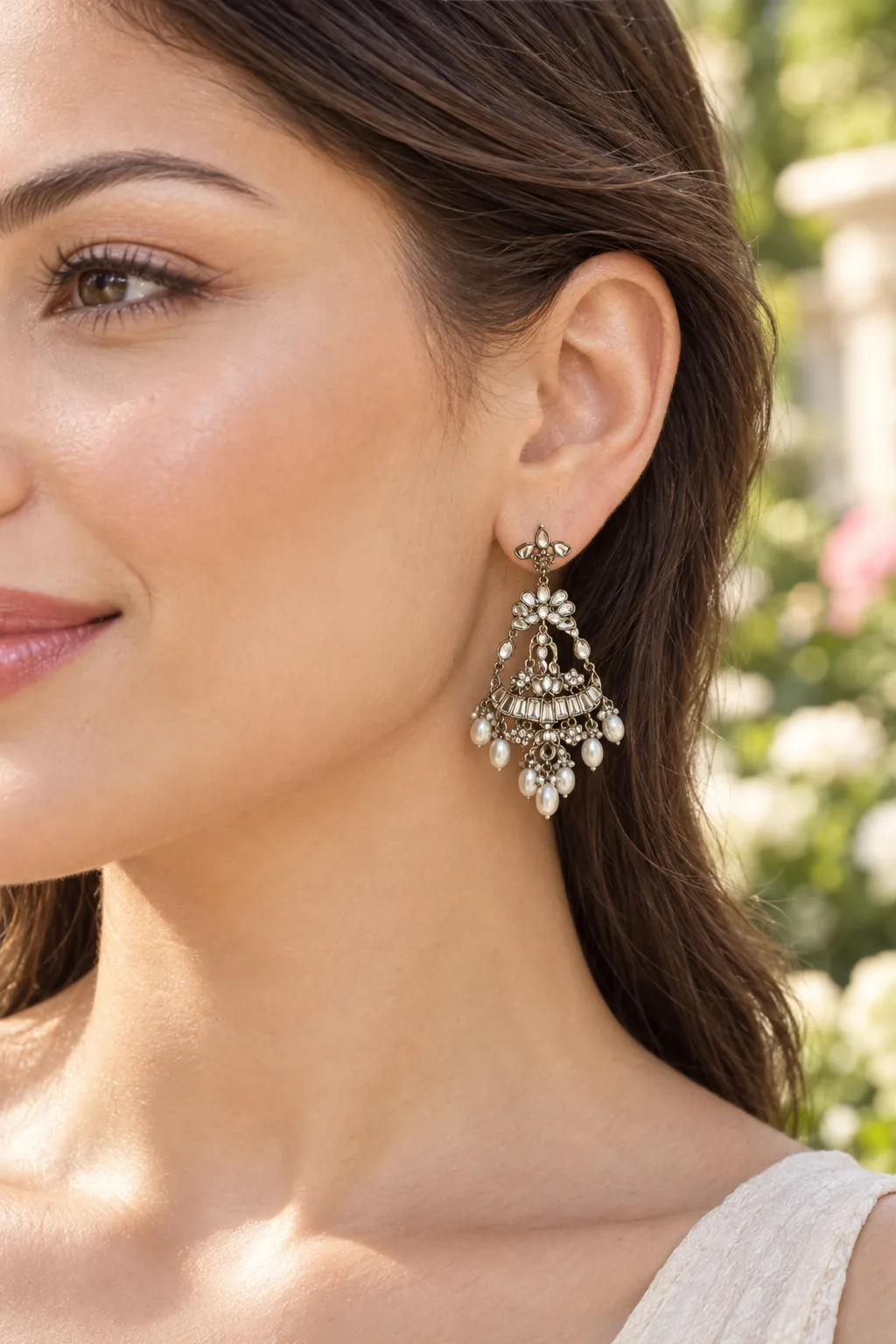
Curious about a piece?
See jewelry on yourself before you buy
Upload a photo of the earrings, ring, necklace, bracelet or watch you have your eye on, add a photo of yourself, and see it on you in about 30 seconds. Try several pieces on the same photo and share the result.

Selling jewelry?
Render a whole collection, not one photo at a time
Catalog shots on white, on-model images, retouching and product video from the photos you already have. Batch a collection with the same lighting and framing, with full commercial rights on every file.
Flat 20% off
on your first purchase.
Start with 80 free credits, then take a flat 20% off on your first credit top-up. One-time purchase, no subscription.
Create free accountYour welcome code
20%
Off on first purchase
Enter the code at checkout. Valid once per account, on your first credit purchase.
A workshop on your desk
One tidy canvas to choose your tool, dial in the brief, and watch your piece resolve in real time. No friction between idea and ship.
 Rings
 Earrings
 Necklaces
 Bracelets
 Watches
Brief · Smart Retoucher
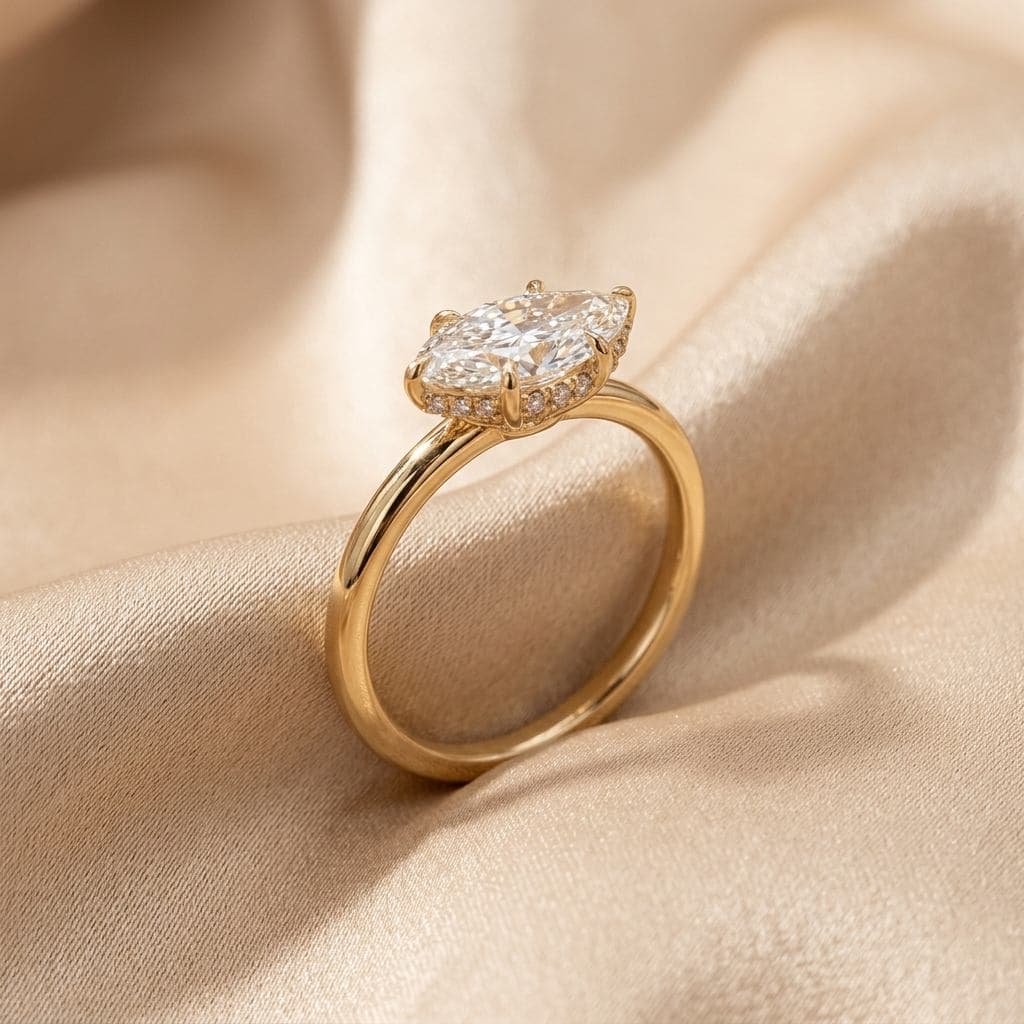
Studio-grade close-up of this 1.2 ct solitaire on warm marble. Bring out the inner brilliance, soften shadows.
HUES Studio
Done · 22sRun 1 Run 2
Output settings
- Format
- JPEG · 95
- DPI
- 300
- Aspect
- 4 : 5
- Style
- Editorial Warm
Live render
A static preview · the live studio is faster, of course
Hover to reveal — then run an entire collection
Slide to see what HUES does to a single shot. Then queue the rest of your catalog and watch them resolve, in parallel, in minutes.
Smart Retoucher
1 image · 22s
Spring Collection · Batch
6 images
Smart Retoucher
~ 2 min
- Done
Oval halo ring
Smart Retoucher · 22s
- Done
Gemstone earrings
Smart Retoucher · 22s
- Rendering
Bead bracelet
64% - Rendering
Heart pendant
28% - Queued
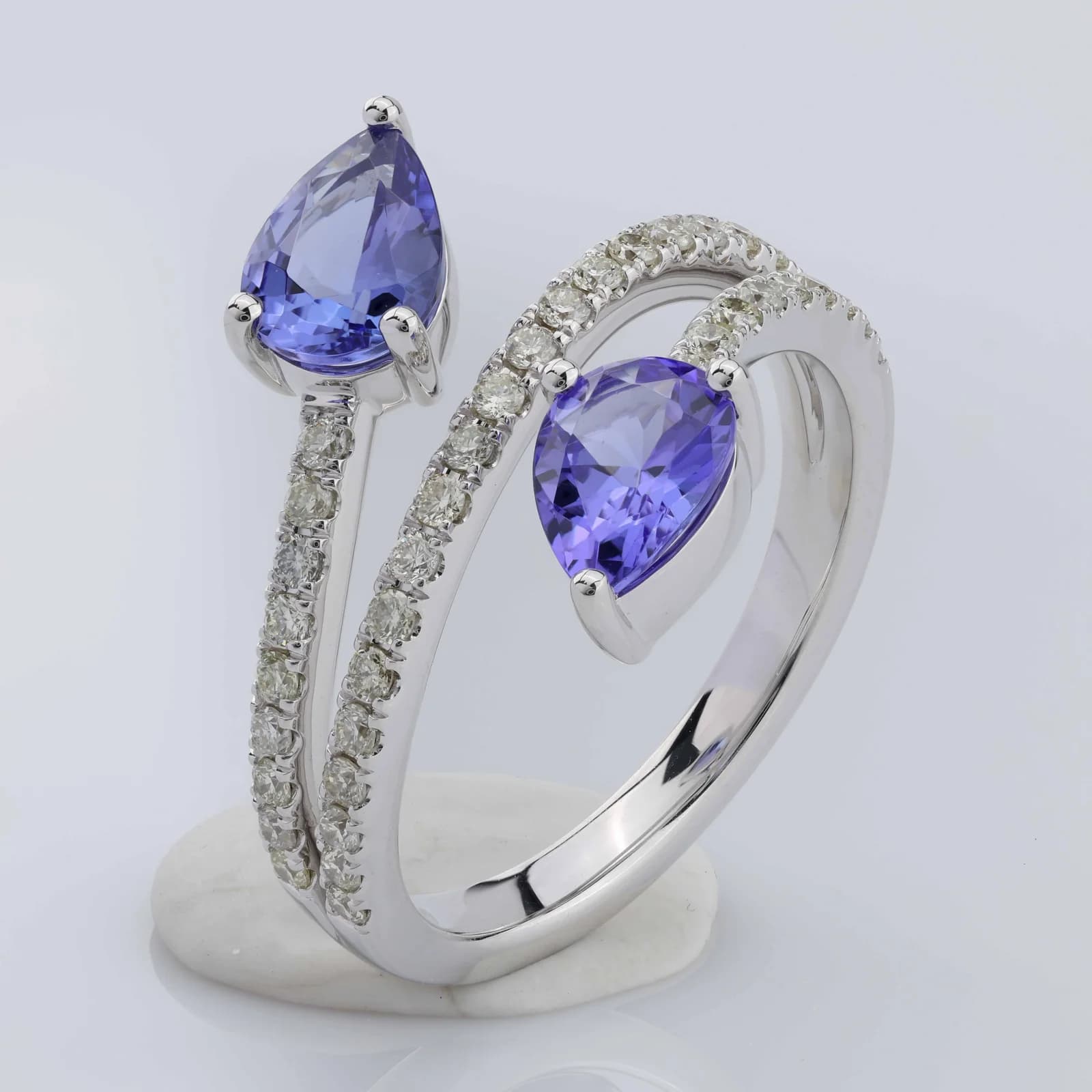
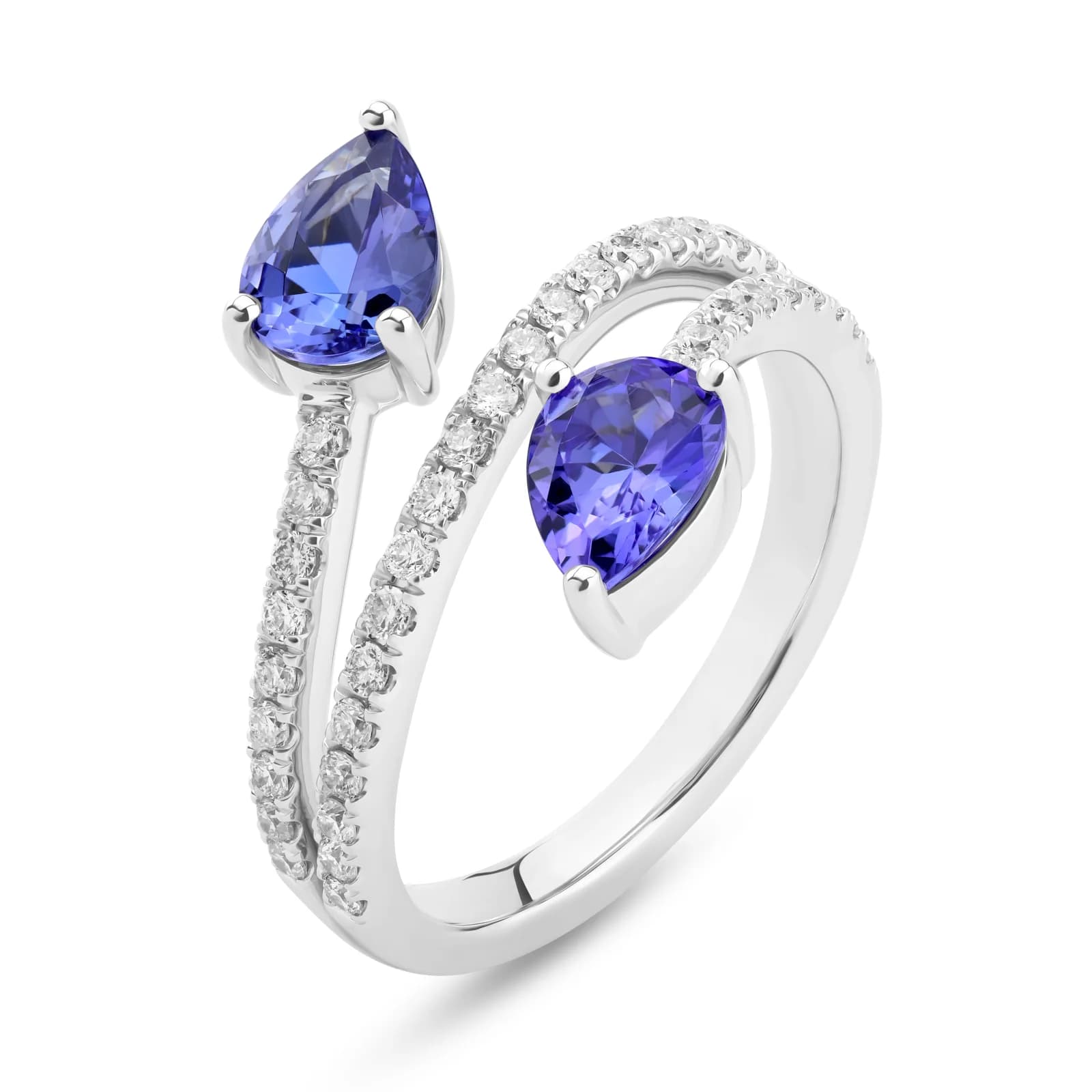
Blue stone ring pair
Queued · waiting
 Queued
Floral cocktail ring
Queued · waiting
AI that moves like you do
From still imagery to cinematic product film — watch HUES AI bring jewelry to life in real time.
Witness the difference
Authentic customer photos refined by HUES AI. Slide to reveal the transformation yourself.
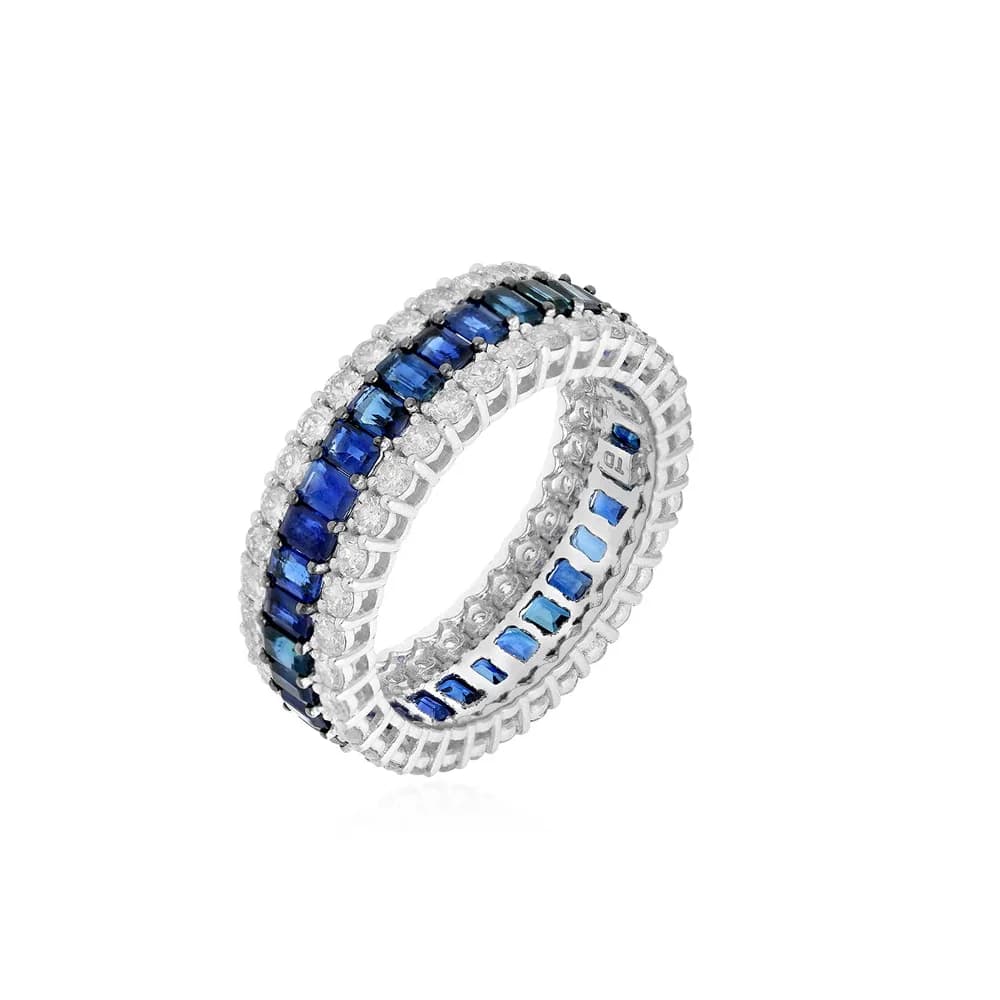
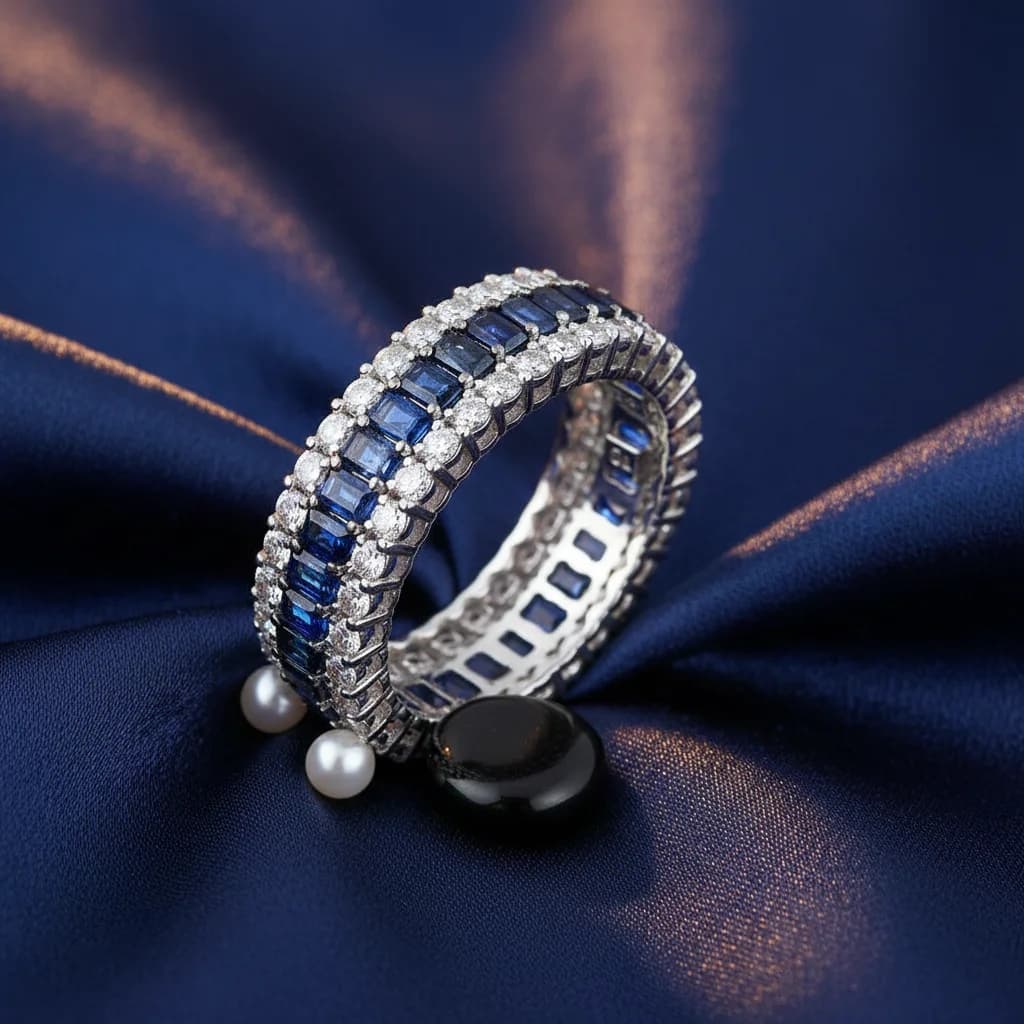
Scene Composer
Diamond Ring
Background Swap
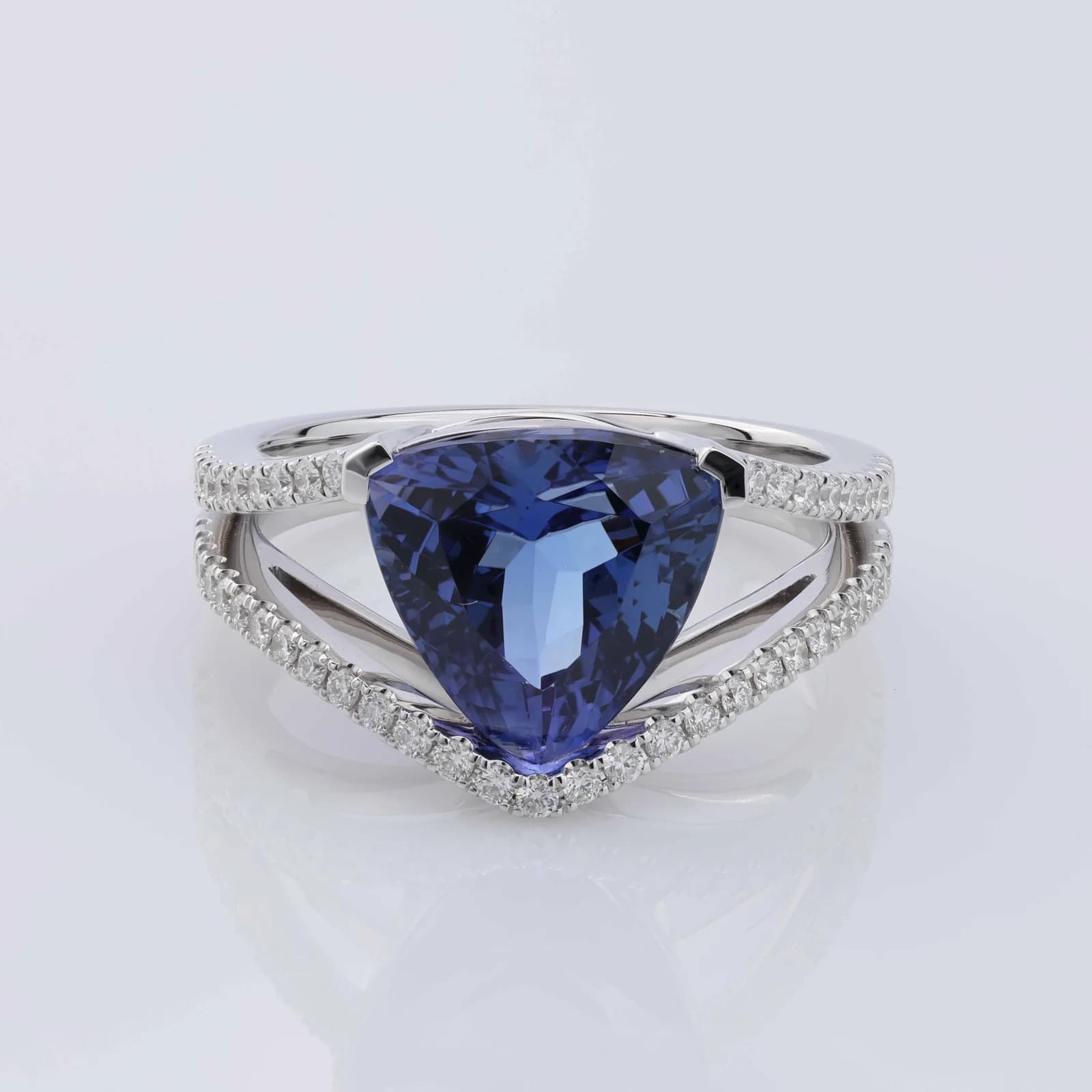
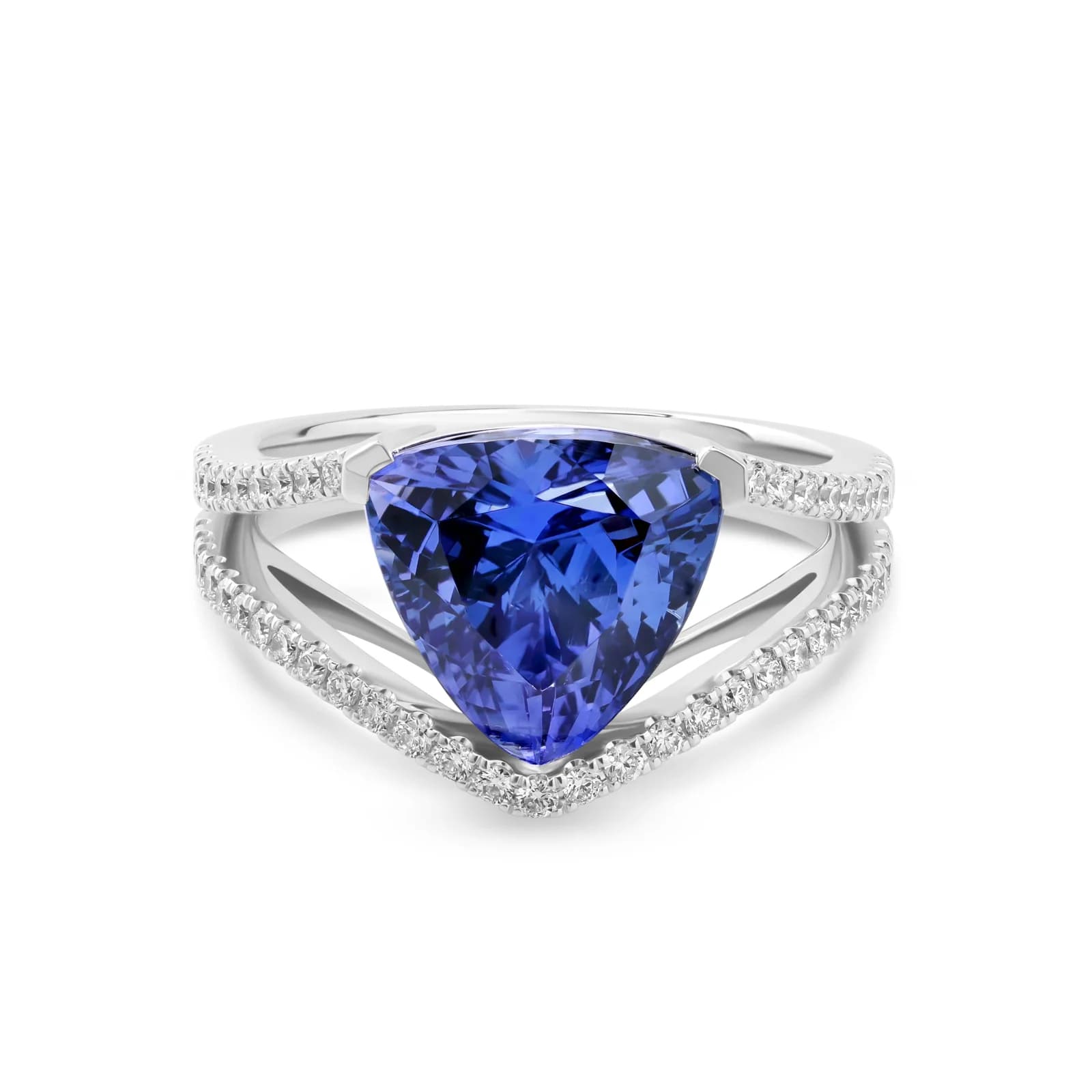
Smart Retoucher
Diamond Ring
Color Correction
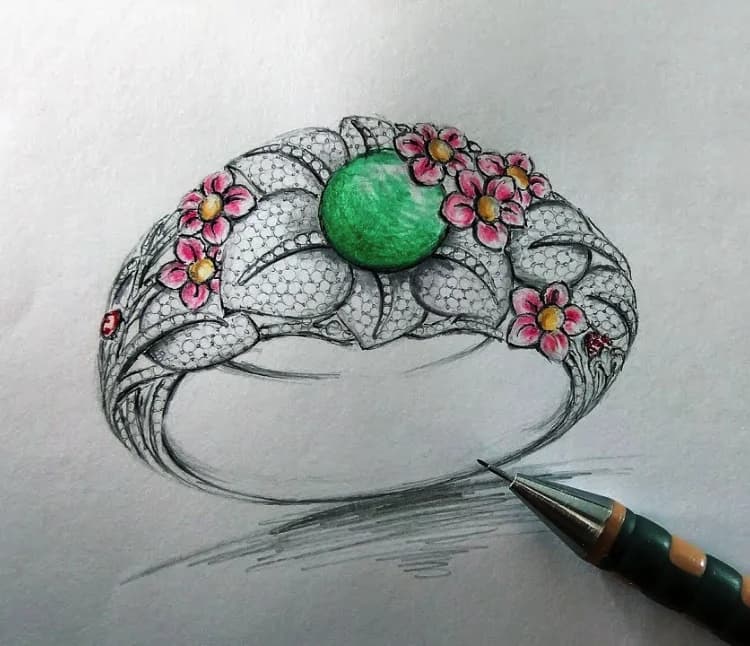
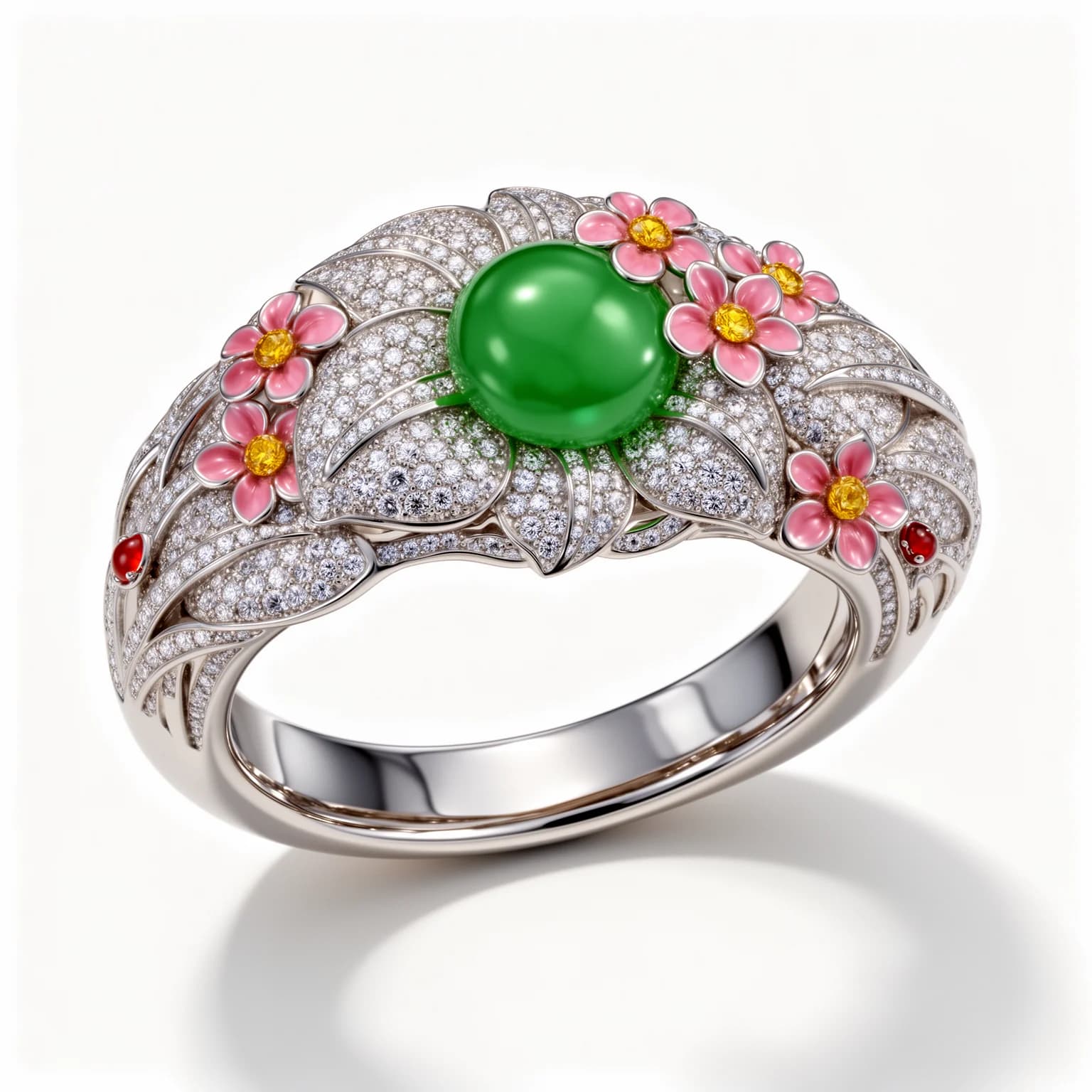
Jewelry Visualizer
Sketch to Render
Design Visualization
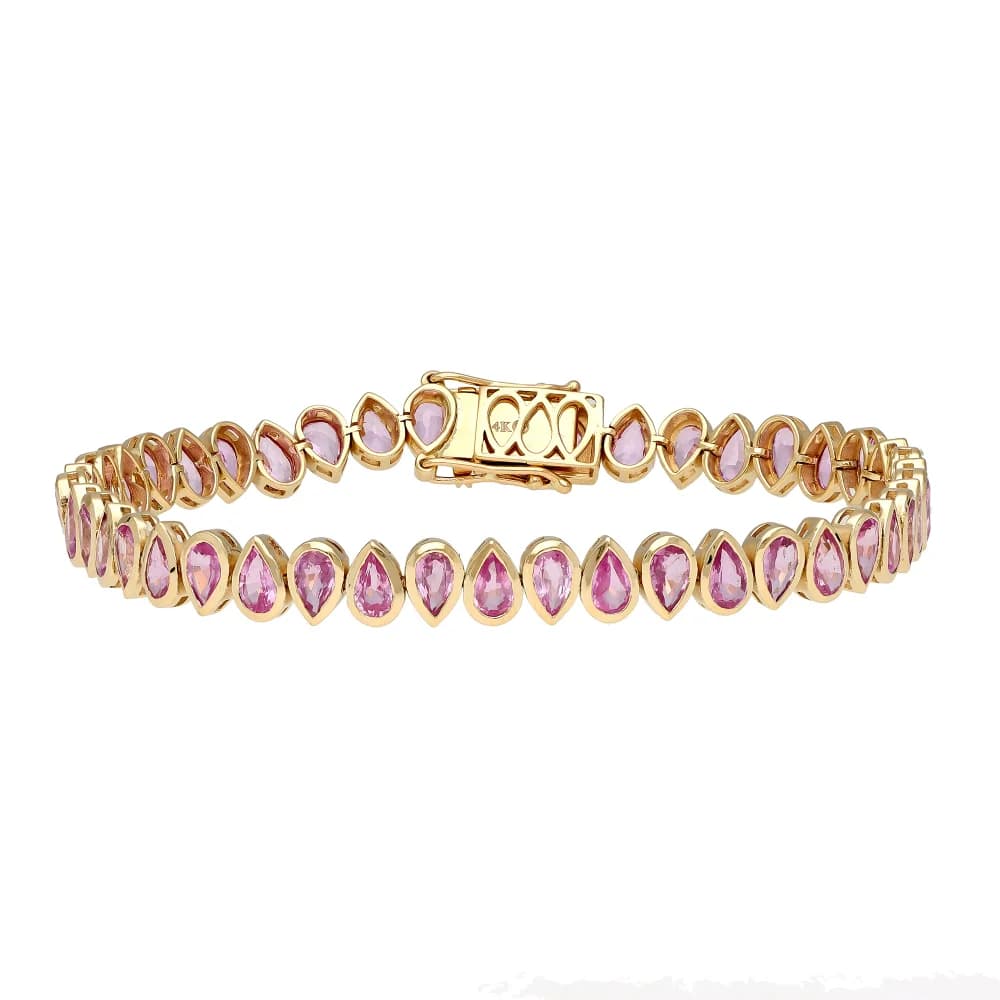
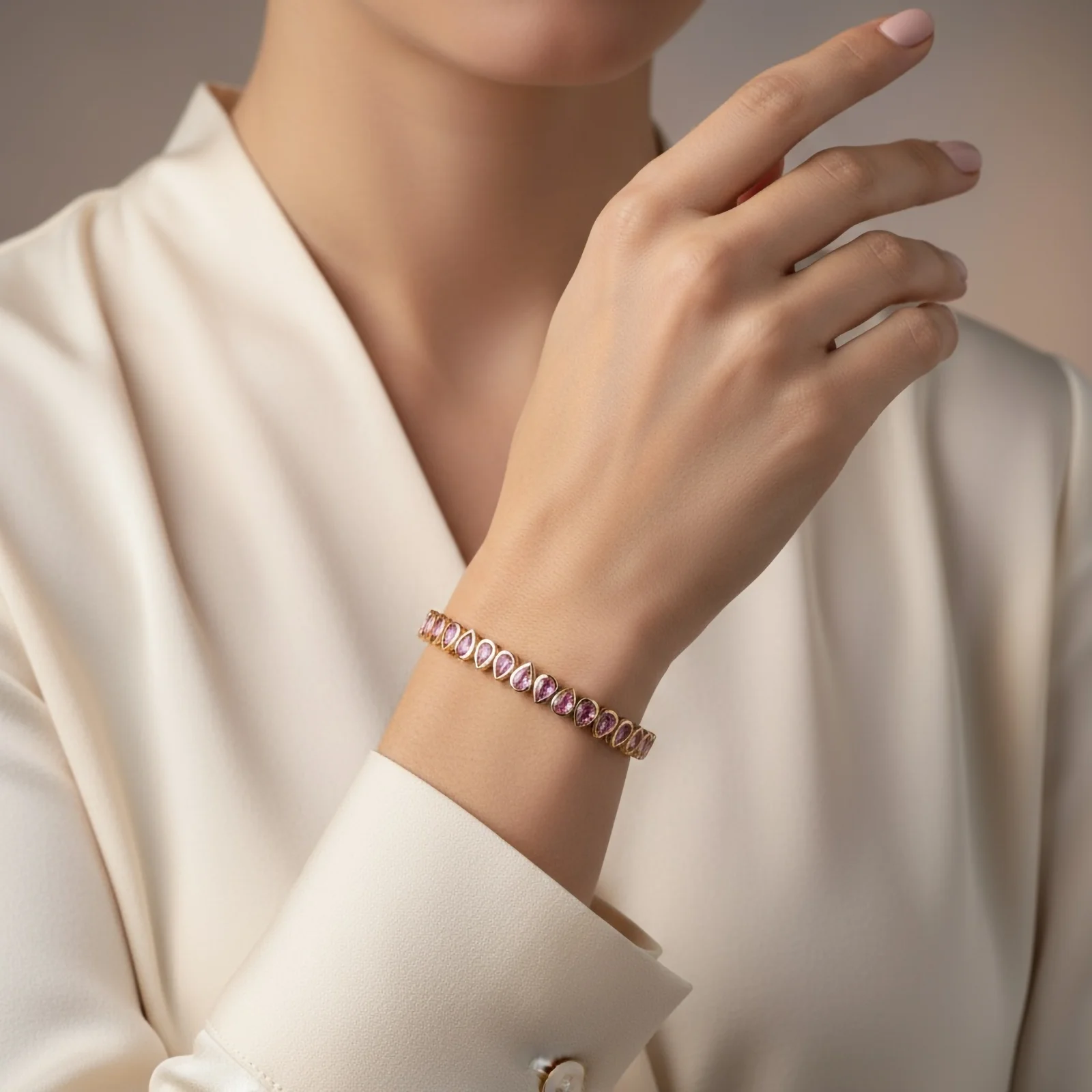
Virtual Styling
Gold Bracelet
Virtual Try-On
Image to Video
Creative Video
Motion Output
Image to Video
Try-On Video
Ring Animation
Every tool your workshop needs
A suite of 15+ specialized applications — each one fine-tuned to handle the unique optical properties of fine jewelry.
Browse the toolkit by what you need to make
- Photography
- Retouching
- Model Photography
Latest guides
- How to Photograph Rings: A Step-by-Step Guide
- How to Photograph Silver Jewelry Without Reflections or Color Casts
- How to Photograph Jewelry With a Phone
- How to Get a Pure White Background on Jewelry Photos
- How to Try On a Bracelet Online Before You Buy
- How to Choose a Watch as a Gift: Size, Style and Budget
What sets HUES AI apart
An AI imaging platform engineered from the ground up for the jewelry industry.
Built for Jewelry
Neural networks learned from 50K+ curated jewelry photographs.
Ultra-High Resolution Output
Up to 16 Mpx with zero artefacts.
Designed for the Jewelry Trade
15+ dedicated apps for every workflow.
Process Entire Catalogs at Once
Batch mode available for bulk operations.
Motion Content from Still Photos
Generate video content from a single image.
Complete Data Sovereignty
Your images are private by default.
From raw to refined in three moves
A streamlined pipeline that takes casual shots and transforms them into catalog-worthy imagery — no expertise required.
Step 01
Drop your image
Snap a photo with your phone, pull one from your camera roll, or drag in a DSLR shot — JPEG, PNG or WebP, any angle.
Step 02
Select your enhancement
Browse 15+ purpose-built tools — from automatic background removal to full-scene composition and virtual styling.
Step 03
Export & launch
Grab polished images instantly. Optimized for online stores, marketplaces, social feeds, and print catalogs.
Heard from our atelier
Hundreds of jewelers rely on HUES AI to power their visual content daily.
“Before HUES AI, we were spending thousands on photography every quarter. Now our entire catalogue gets refreshed in an afternoon — and the quality is honestly better than what our studio was producing.”
Priya Mehta
Head of Digital, Lumiere Fine Jewelry
“The virtual try-on capability completely changed our conversion funnel. Shoppers can now see exactly how a piece looks on them before buying — and our return rate dropped significantly.”
David Kowalski
Founder, Gilt & Stone Designs
“Running a small atelier means every dollar counts. HUES AI replaced our need for a photographer, a retoucher, and half of our editing software subscriptions — all in one platform.”
Amara Osei
Creative Lead, Maison Doree
Buy what you need — scale at will
One credit pack, sized to you. Slide to set the size; the more you buy, the less each credit costs — from $0.035 down to $0.02.
Top up size
500credits
Total
$17.50
Quick picks
Custom plan
Need more than 50,000 credits? We'll tailor a plan to your volume.
Common questions, clear answers
Virtually any jewelry photograph will work — whether it's a quick snap from your smartphone, a carefully composed DSLR shot, or even a casual image taken on a plain surface. Our AI has been trained on an extensive jewelry dataset and adapts to all piece types: rings, necklaces, earrings, bracelets, watches, and loose gemstones.
Each tool consumes credits per use, and the exact cost is shown in the studio before you run anything — simple edits cost the least, while on-model try-on and video cost more. Credits are bought once, starting at $17.50 for 500 credits and falling to $0.02 per credit at volume. There is no subscription and no monthly minimum.
Absolutely. Every image and video you generate through HUES AI comes with unrestricted commercial rights. You're free to use them across your website, third-party marketplaces, social media campaigns, printed collateral, and anywhere else your business needs them.
Standard enhancements are usually complete in under 25 seconds. More compute-intensive tasks like video generation or high-resolution scene composition may take between 1–2 minutes. You can queue multiple items for batch processing simultaneously.
Credits are a one-time purchase rather than a subscription, so there are no billing periods to carry over between — your balance stays in your wallet until you spend it. Buy 500 now and use them next quarter if that suits your release schedule.
Yes — every new account receives 80 complimentary credits once you verify your email address, with no payment information required. That is enough to try several tools and judge the quality on your own pieces. Credits are a one-time purchase after that, not a subscription.
Ready to transform
your catalog?
Join 600+ jewelers already using HUES AI to create stunning visuals in seconds, not hours.
As featured on